
Entire OnHire provides two ways to publish shifts—Released or Broadcast. While both options make shifts available to Members through the Mobile App, they differ in how the shifts appear and who can view them.
- Released Shift: When a shift is released, it becomes visible in the Released Shifts section of both the App and Portal for all Members who meet the shift and system criteria.
Recommend Reading: How to release a shift in detail, click here: Released Shifts.
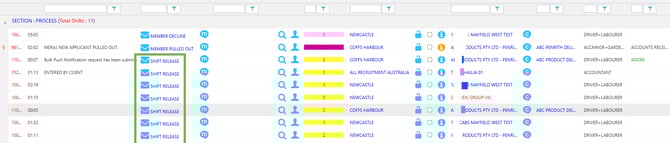
Staff Portal - Release Shift

Member App - - Release Shift
- Broadcast Shift: Allows you to make a shift visible to selected members via the Portal and App. If a Member is Broadcast into a shift, the shift will appear under My Shifts in the app. Once any member accepts the shift, it is automatically removed from all other members’ apps—only one member can claim the shift.

Staff Portal - Broadcast Shift
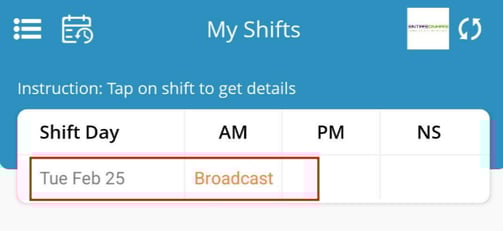
Member App - Broadcast Shift
Recommend Reading: How to release/broadcast shift from the calendar view, click here: Broadcast vs Released Shifts.