
- Create new Sliding Scale
- Masters
- Scales
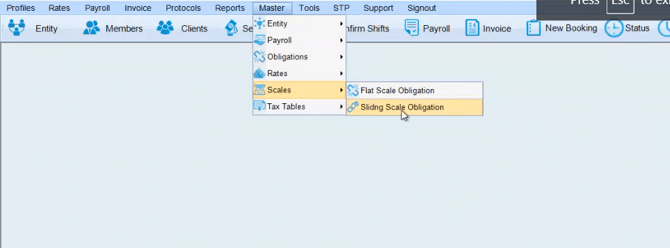
- Switch Tab to Obligation
- Then fill in all options below and free type "Custom Scale - * ) then click add
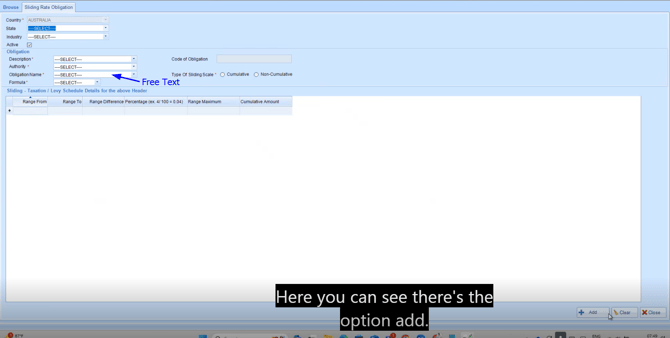
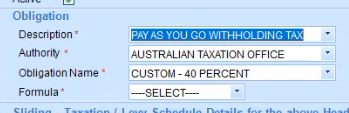
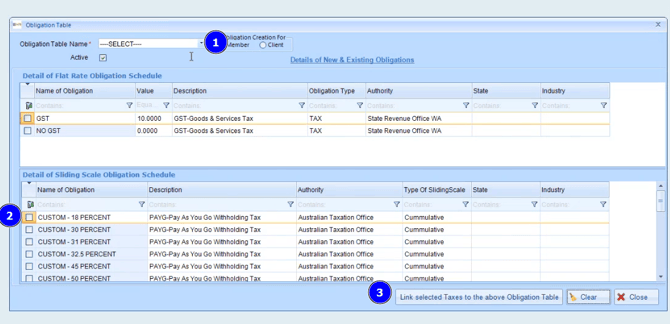
- Map the Obligation
- Masters
- Tax Tables - Obligation Tab
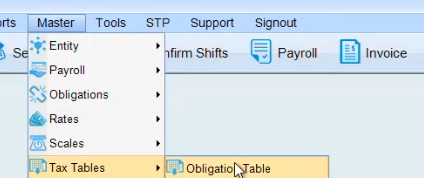
- Free Text the same title in the Obligation Table - Link to the new scale and then click Link
Once completed, please send an email to support@xeople.com to advise that a custom tax scale has been created so we can ensure the backend is linked correctly for STP Submission.