Content
1. Applied Infection(s) Retained During Shift Edit2. Personnel Card: Visa Details of the Member
3. Edit Subgroup Details with Blank Reason Category in Reasons (Personnel) Master
4. Entire OnHire User Master Accurately Displays the Logged-In User's Time Zone
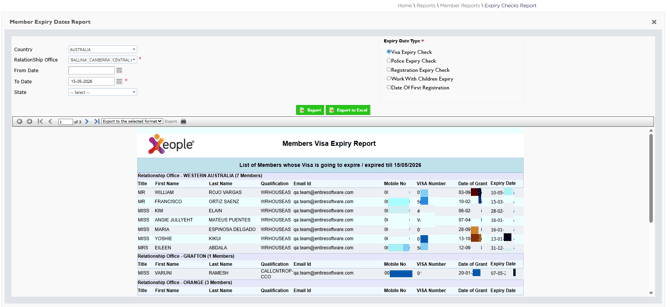
5. Client Allocations: Concurrent Shift Updates
6. Reports Functioning Correctly in the Staff Portal
1. Applied Infection(s) Retained During Shift Edit – ✅ Resolved
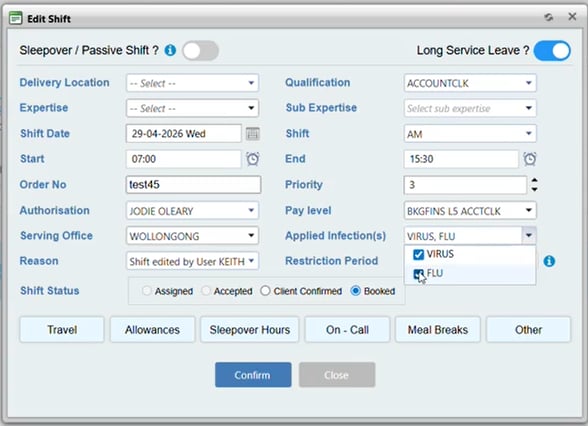
Issue resolved. In the Client Allocations, when editing a shift that includes Infection(s), the Applied Infection(s) are now retained and remain associated with the shift.
2. Personnel Card: Visa Details of the Member – ✅ Resolved
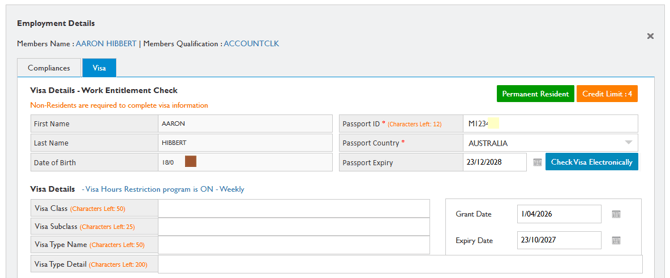
Issue resolved. In the member’s Personnel Card within the Staff Portal, selecting Visa Details now correctly opens the member’s Visa tab in the Employment Details page.
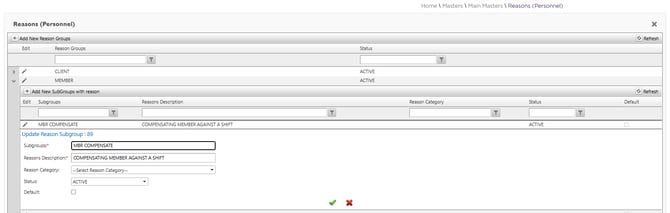
3. Edit Subgroup Details with Blank Reason Category in Reasons (Personnel) Master – ✅ Resolved
Issue resolved. In the Reasons (Personnel) master within the Staff Portal, you can now edit Subgroup details, including records where the Reason Category is not available.
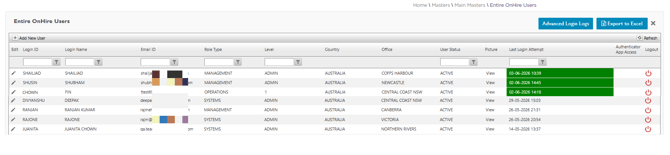
4. Entire OnHire User Master Accurately Displays the Logged-In User's Time Zone – ✅ Resolved
Issue resolved. In the Entire OnHire Users master page of the Staff Portal, the timestamp for the Last Login Attempt now accurately reflects the time based on the logged-in user's configured time zone.
5. Client Allocations: Concurrent Shift Updates – ✅ Resolved
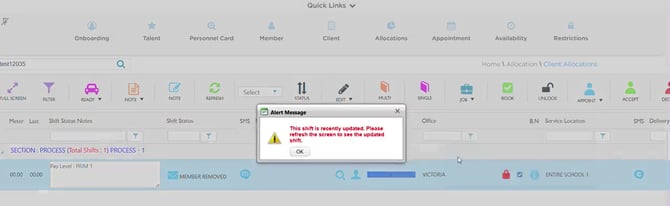
Issue resolved. In Client Allocations, when a shift has been updated by another user or in another session, further updates to the shift are prevented, and the following message is displayed: "This shift is recently updated. Please refresh the screen to see the updated shift." This ensures that staff members are working with the most up-to-date shift information before performing any further actions.