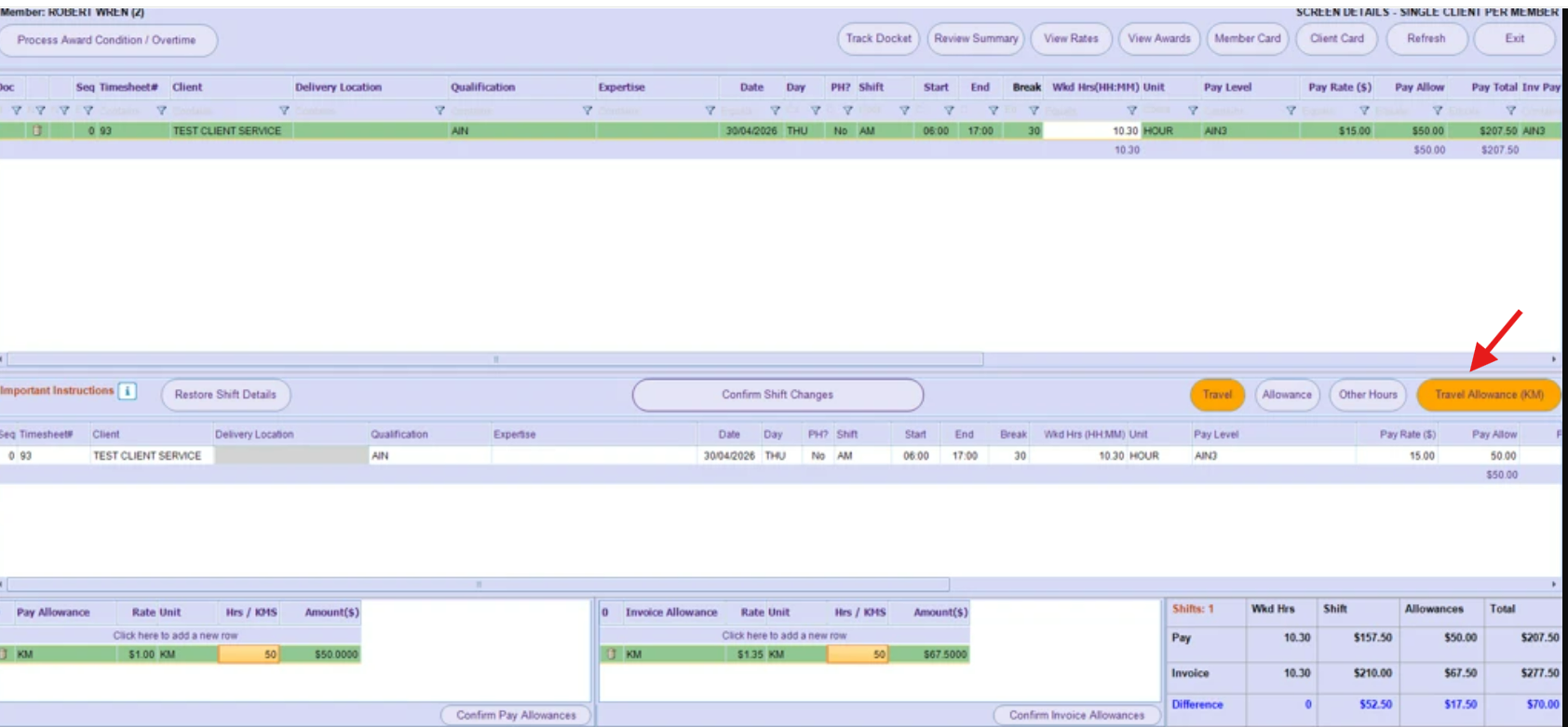
This happens when the submitted timesheet contains a discrepancy. During award processing, the existing allowances may be removed automatically.
In this scenario, the user will need to manually re-add the allowance using the “Travel Allowance” button. After re-adding the allowance, please validate both the Pay and Invoice sections. Once validated, there should be no further issues.