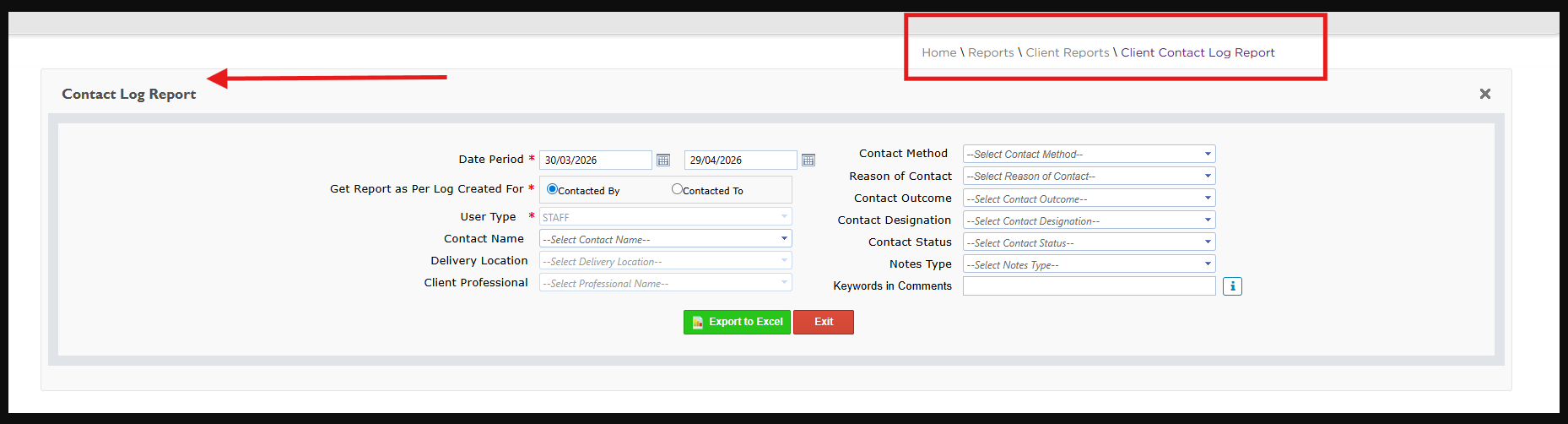
To review inactive records more effectively, start by exporting the Client Contact Log Report to Excel. Once exported, apply a filter to the Log Comments column and select only the entries marked as inactive in the comments. From there, you can further refine the data using additional parameters (such as date, or reason of contact) to segment and review inactive status records in a way that best supports your reporting and decision-making.