
If you have filled the job before the expiry date and would like to remove the ad from Seek, please follow these steps:
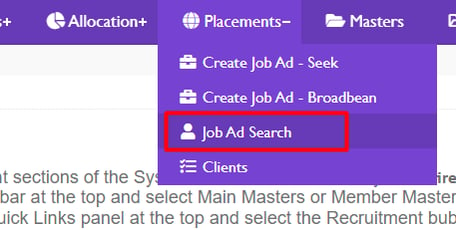
1. Placements>Job Ad Search
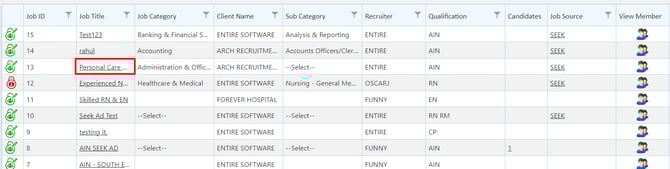
2. Click on the job that you no longer want advertised.
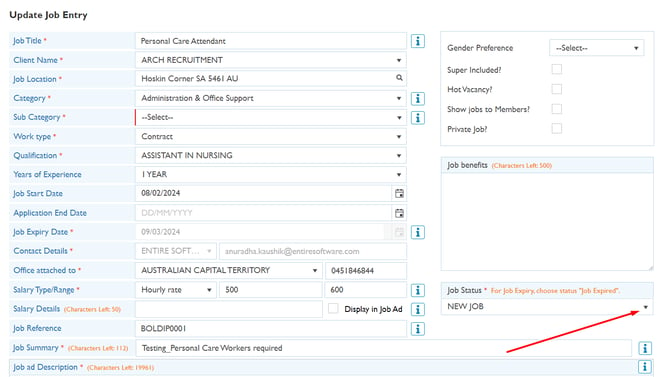
3. Under Job Status, click the Job Expired button.
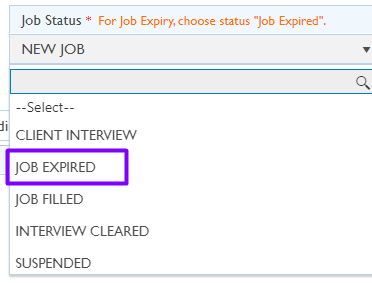
This will show as expired only on the EOH dashboard as status job Job Expired but manually the Job has to be deleted/expired also from the Seek website.
It is in our product backlog to enhance these functions but as of now it has to be expired/deleted from EOH and Seek.