
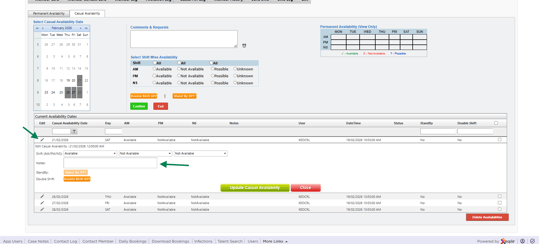
You can easily add Availability Notes to the Casual Availability page for the specific member.
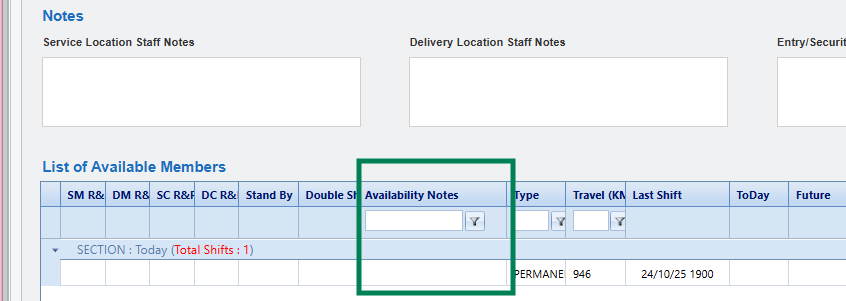
Press the pencil icon on the date and add in any comments in the Notes box. This will then appear in the Allocations page when Searching Available Members.
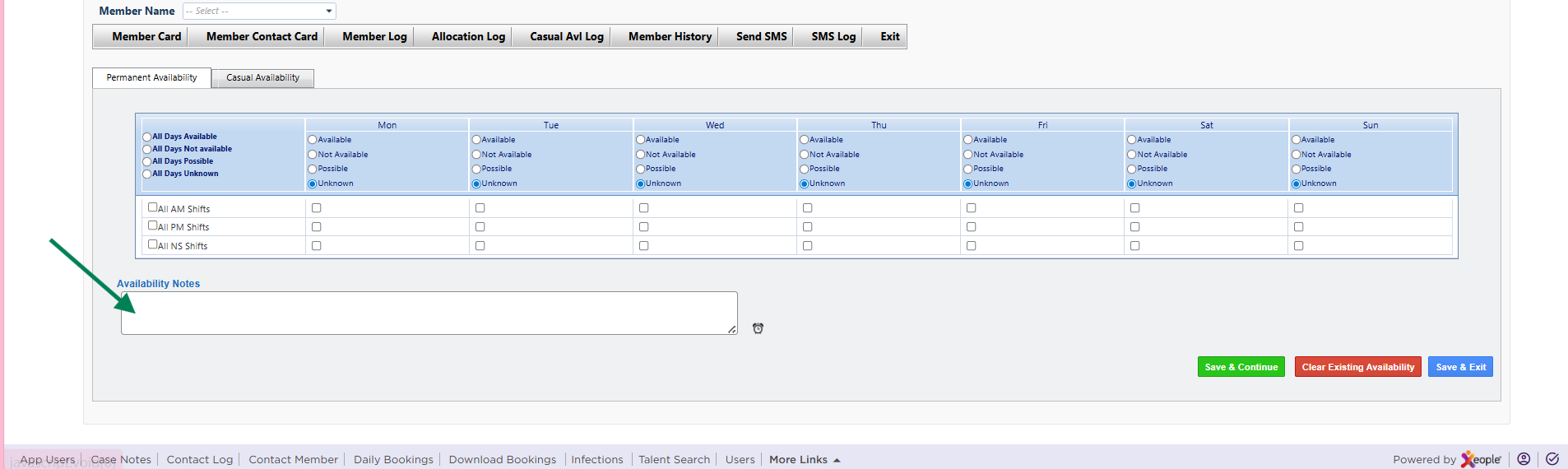
You can also add Availability Notes for a member's permanent availability but please note that the permanent availability notes only appear if there are no casual availability notes available.
Press the pencil icon on the date and add in any comments in the Notes box. This will then appear in the Allocations page when Searching Available Members.
You can also add Availability Notes for a member's permanent availability but please note that the permanent availability notes only appear if there are no casual availability notes available.