
During the TLS 1.3 Migration & Windows Server Migration, your finance server was migrated to a new environment. This minimised any disruption to your business operations.
To complete the migration, the new finance application, running with the more secure TLS 1.3 protocol and on Windows Server 2022 will need to be downloaded. The steps are the same as when first downloading the finance portal, which can be found here:
- FINANCE - MAC USERS
- FINANCE - WINDOWS USER
How to Download:
- Open your finance URL - this will have been provided via email. This is specific to your domain and finance portal, so please contact the Support Team if you are unable to find your URL.
- Provide your Finance-specific Credentials to the login page:
(Hint: Username starts with ENTIREHR\ )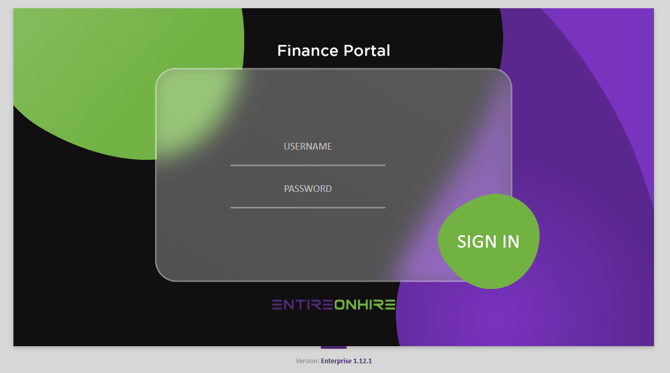
- Once logged in, you will then see your finance portal, to download click on the tile.
- Once downloaded, please open the new RDP file and connect as normal. Your credentials have not been changed in this migration.
- If you can successfully login, please delete the previous finance portal. Otherwise, please contact the Support Team to complete the migration