Searching member -
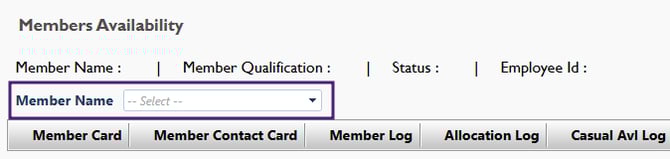
You can search all your members in this section from the Member Name section -
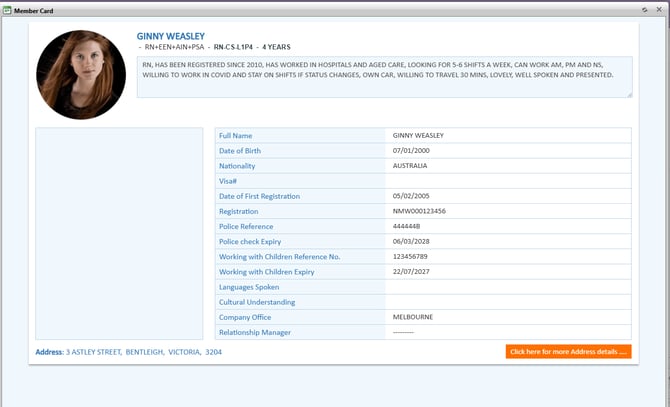
Member Card -
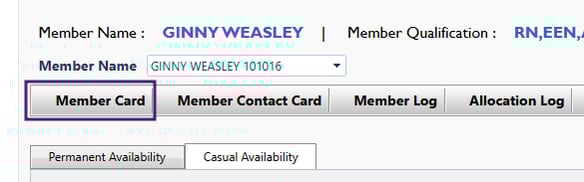
This is where you can see the members information
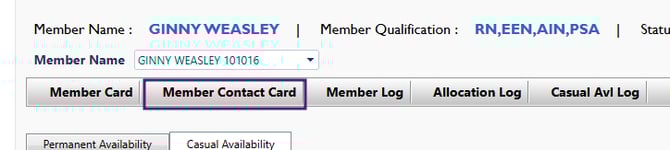
Member Contact Card -
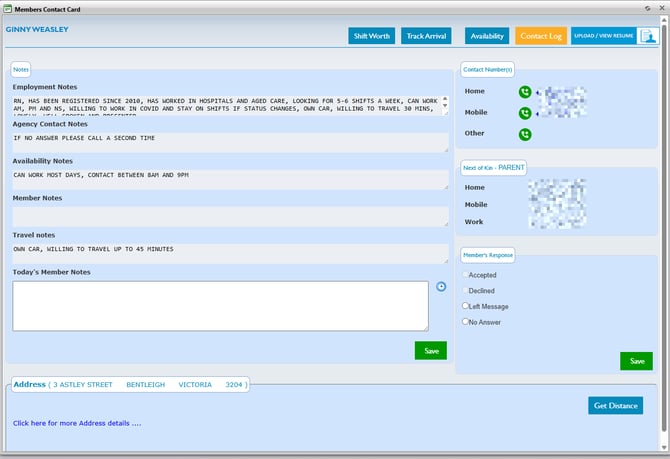
This is where you can see the members contact information, Next of Kin and employment notes such as travel notes, availability notes, etc
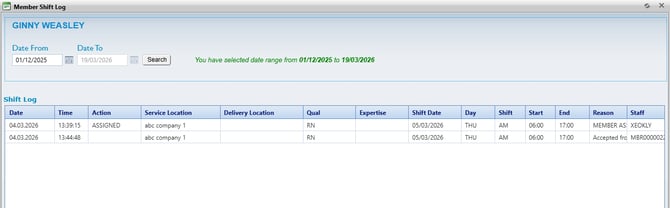
Member Log -
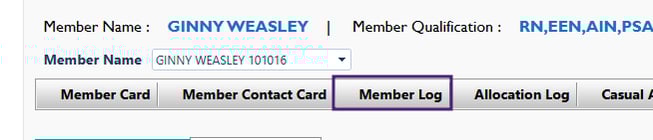
This is where you can see when and where your member has previously worked.
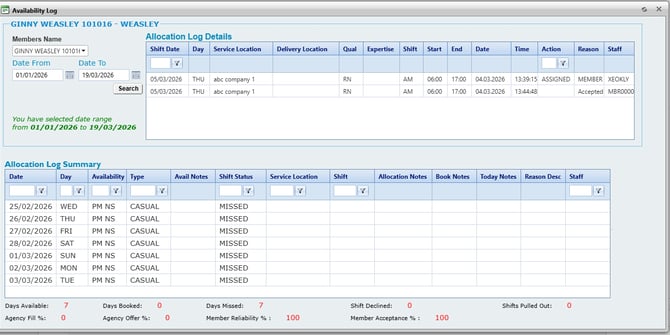
Allocation Log -
This is where you can see the amount of shift members have missed, been booked into, shifts pulled out from and their reliability %

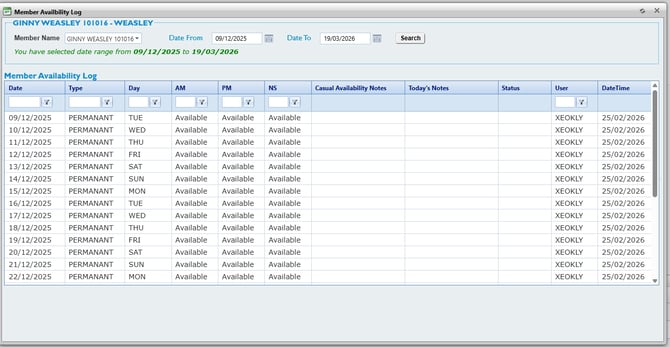
Casual Availability Log -
This is where you can see your members passed casual and permanent availability and who this was logged by, whether the member of staff and any notes they may have attached to certain days.

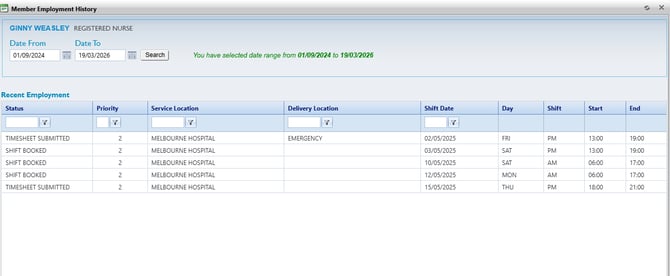
Member History -
This is where you can see passed shifts member has completed and the status of those shifts

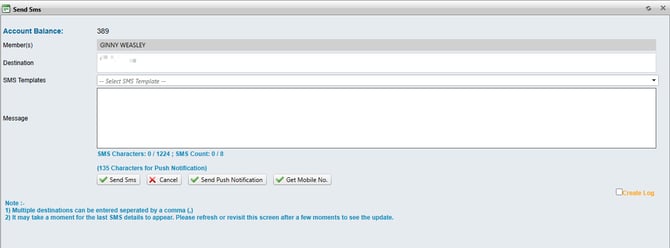
Send SMS -
From this section you are able to send SMS to member

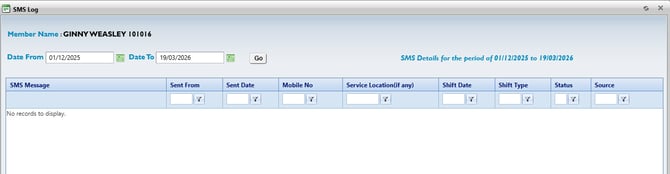
SMS Log -
This is where you can see all SMS messages that have been sent to the member.
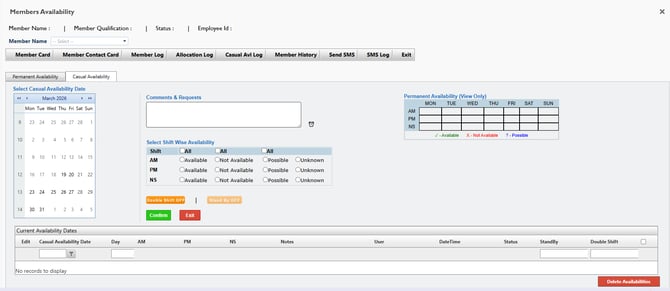
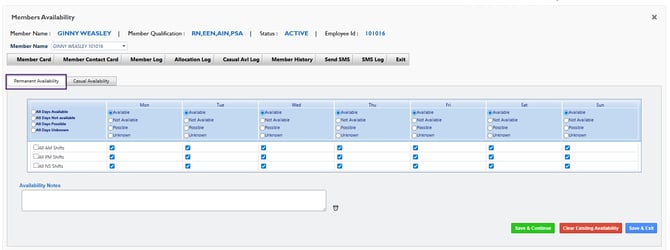
In the Availability section you are able to change the members casual availability and their permanent availability.
Permanent Availability -
This will change the members availability permanently. You are also able to update the members availability notes here.
Casual Availability -
This is where you can change the members casual availability if it is only changing for a certain time/days.
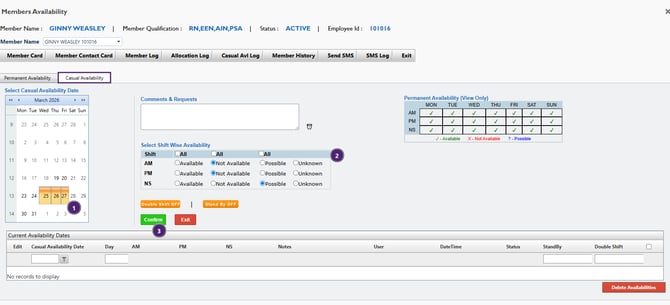
Once changed, this will appear in the current availability dates and their updated casual availabilities and how this was entered, whether by member of internal staff.

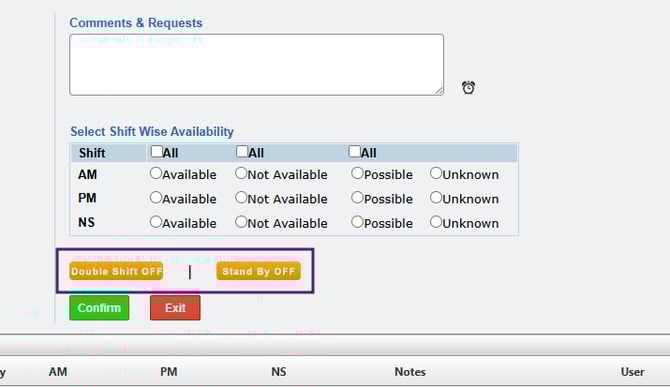
In this section, you are also able to mark the member having availability for a double shift or being on stand by.