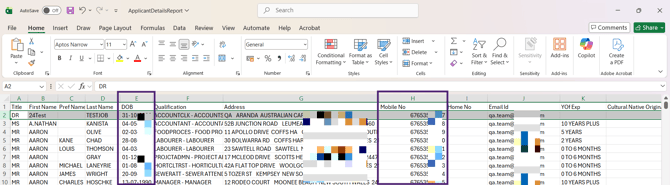
This reports on your applicants' details, such as:
- Date of birth
- Qualification
- Address
- Contact numbers
- Email addresses.
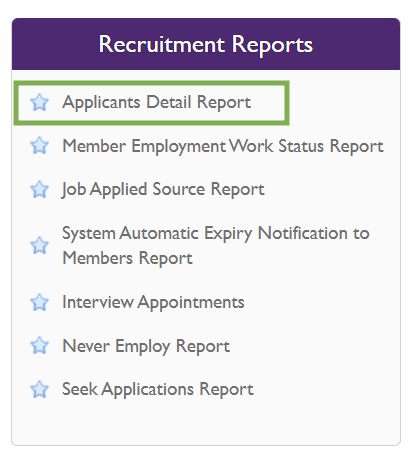
1. Click on Reports.

2. Select Applicant Detail Report.
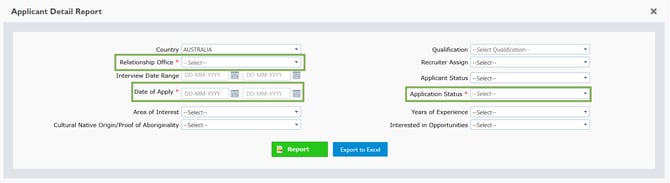
3. Select a Relationship Office, Date of Apply and Application Status which are mandatory fields.
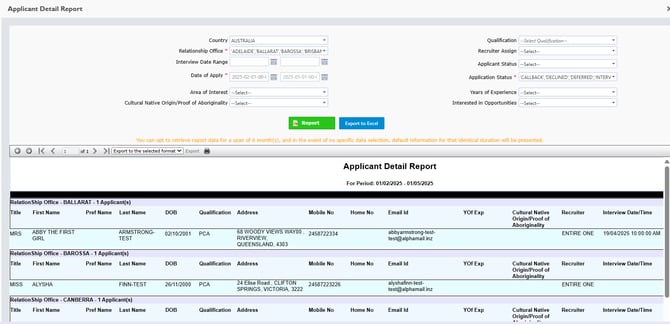
4. Click Report, and it will show the report of all applicants which you have filtered for.
Applicant Information Access
Access to sensitive applicant information is controlled based on staff roles. Staff with the Admin role can view Mobile Number and DOB fields in the report and Excel export. For all other roles, these fields remain restricted.
This ensures sensitive data is accessible only to authorised users while maintaining data privacy.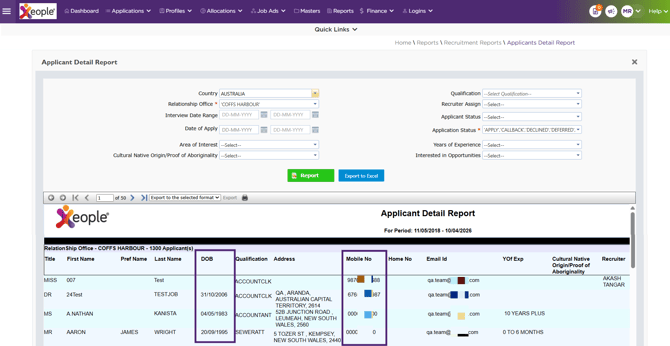
The DOB and Mobile No are visible to Admin staff in the downloaded excel report.